Committer Responsibilities
Committers are more than contributors. While it's important for committers to maintain standing by committing code, their key role is to build and foster a healthy and active community. This means that committers should
- Review PRs in a timely and reliable fashion
- They should also help to actively whittle down the PR backlog
- Answering questions (i.e. on the dev list, in PRs, in Jiras,, etc.)
- Taking on core changes/bugs/feature requests
- Some changes are important enough that a committer needs to ensure it gets done. This is especially the case if some one from the community is taking it on.
- Improving processes and tooling
- Refactoring code, etc.
Commit Policy
Commits need a +1 vote from a committer who is not the author
Style Guide
Before merging a PR, please make sure that it is compliant with the points from the Contributors' Guide, in particular:
- The PR title references a JIRA issue [GOBBLIN-XXX], where XXX is the JIRA number, and contains a JIRA link in the PR description
- Any new files have an Apache License header
- All commits follow the 7 rules of good Git commits and reference a JIRA issue if appropriate
Using the Gobblin PR Tool
The Gobblin PR Tool is a script that makes working with GitHub PRs easy. It has a number of functions for testing PRs locally, merging them to Gobblin master, and closing related JIRA issues.
The most recent version of the PR Tool's documentation is available here.
Suggested Workflow
Start by navigating to the gobblin/dev directory and running the PR tool to print its help screen:
# move to gobblin directorycd /path/to/gobblindev/gobblin-pr --helpIf you have not already done so, setup the git remotes
dev/gobblin-pr setup-git-remotesCheck out a PR to your local machine for testing. The PR tool will pause after the PR is checked out; when resumed it will delete the PR and restore your original environment:
# XXX is the GitHub PR number,forexample 23dev/gobblin-pr work-local XXXMerge a PR to Gobblin master. This command will also prompt you to close related JIRA issues:
# XXX is the GitHub PR number,forexample23dev/gobblin-pr merge XXX
Merging PRs by Hand
Overview
You should no longer need to merge anything by hand. The tool above is awesome and does a lot more than the steps below. If for some reason, that tool get broken in the future, you will need to merge by hand as described below.
Details
Step 1: Clone the Apache Gobblin Git Repo
git clone git@github.com:apache/gobblin.git
Step 2: Add a remote for the github Work-in-progress
Step 3: Display Remotes
$ git remote -v
apache https://gitbox.apache.org/repos/asf/gobblin.git (fetch)
apache https://gitbox.apache.org/repos/asf/gobblin.git (push)
origin git@github.com:apache/gobblin.git (fetch)
origin git@github.com:apache/gobblin.git (push)git fetch origin pull/2020/head:2020
git merge 2020
Make sure that the PR to be merged has been squashed, and the comment of the commit starts with the GOBBLIN JIRA number (e.g. `[GOBBLIN-168] Standardize Github PR template for Gobblin`). Also, ensure that the JIRA references the PR in the "external_issue_url" so that the PR gets closed automatically when you merge.
- Sub-Step A: You will noticed that the ASFGIT bot will automatically close your PR as merged
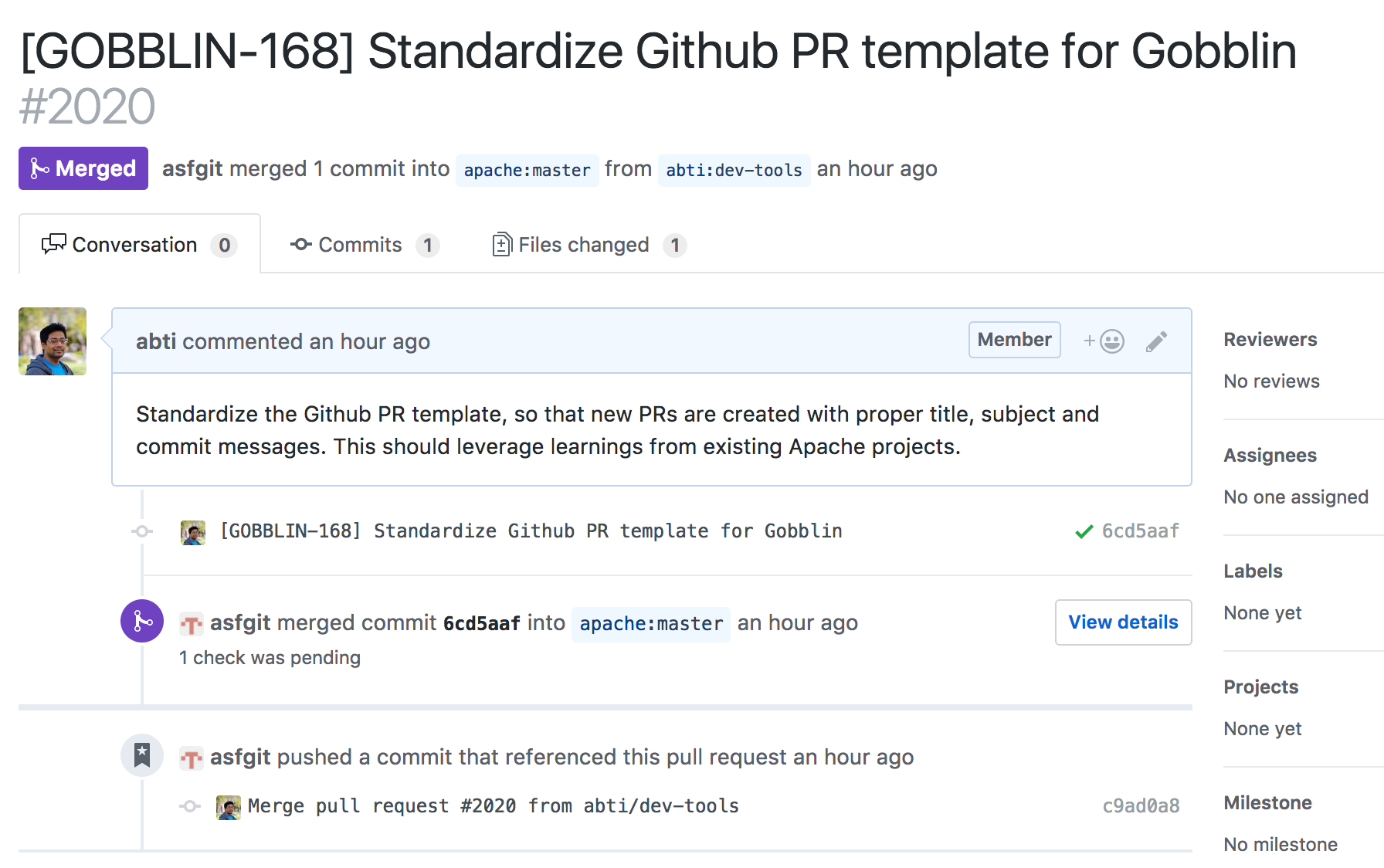
- Sub-Step B: Close the JIRA
Note : I maintain my fork in a different work space – IMHO more than 2 remotes can lead to silly mistakes.